


Open-source is growing fast, with billions of contributions every year, and it’s one of the best ways for beginners to gain real-world software engineering experience. You can start by picking “good first issue” tasks, learning the contribution workflow, and gradually building skills, reputation, and community connections.
There were around 1 billion contributions to open source and public repositories across GitHub in 2024 according to the Octoverse report. That's 40% more than 2021.
The open-source community is rapidly growing, and so is the adoption of open-source software.
I previously listed contributing to open-source projects as one of the alternatives to doing a software engineering internship.
In this guide, I'm going to show you how to make your first contribution.
Open-source software is everywhere: from the servers our apps run on to the underlying software of our wearables, phones, and computers.
These software are maintained and managed by community members who contribute largely for the joy of coding or for the sake of giving back - or both.
Getting involved will allow you to work on real-life projects, expand your network, improve your skills, and build a reputation in the software engineering community. Bonus: you'll be also giving back to the tech community.
Open-source projects are not exclusive to software engineering gurus. Anyone can contribute.
There are issues in most projects labeled "easy", "good first issue", "beginner", or any similar term. These issues are meant to be handled by beginners or first-time contributors.
To find those beginner issues, you can search in your favorite project for issues with that label.
For example, if you go to First Contributions and choose the Flutter project, you will land on the following page:
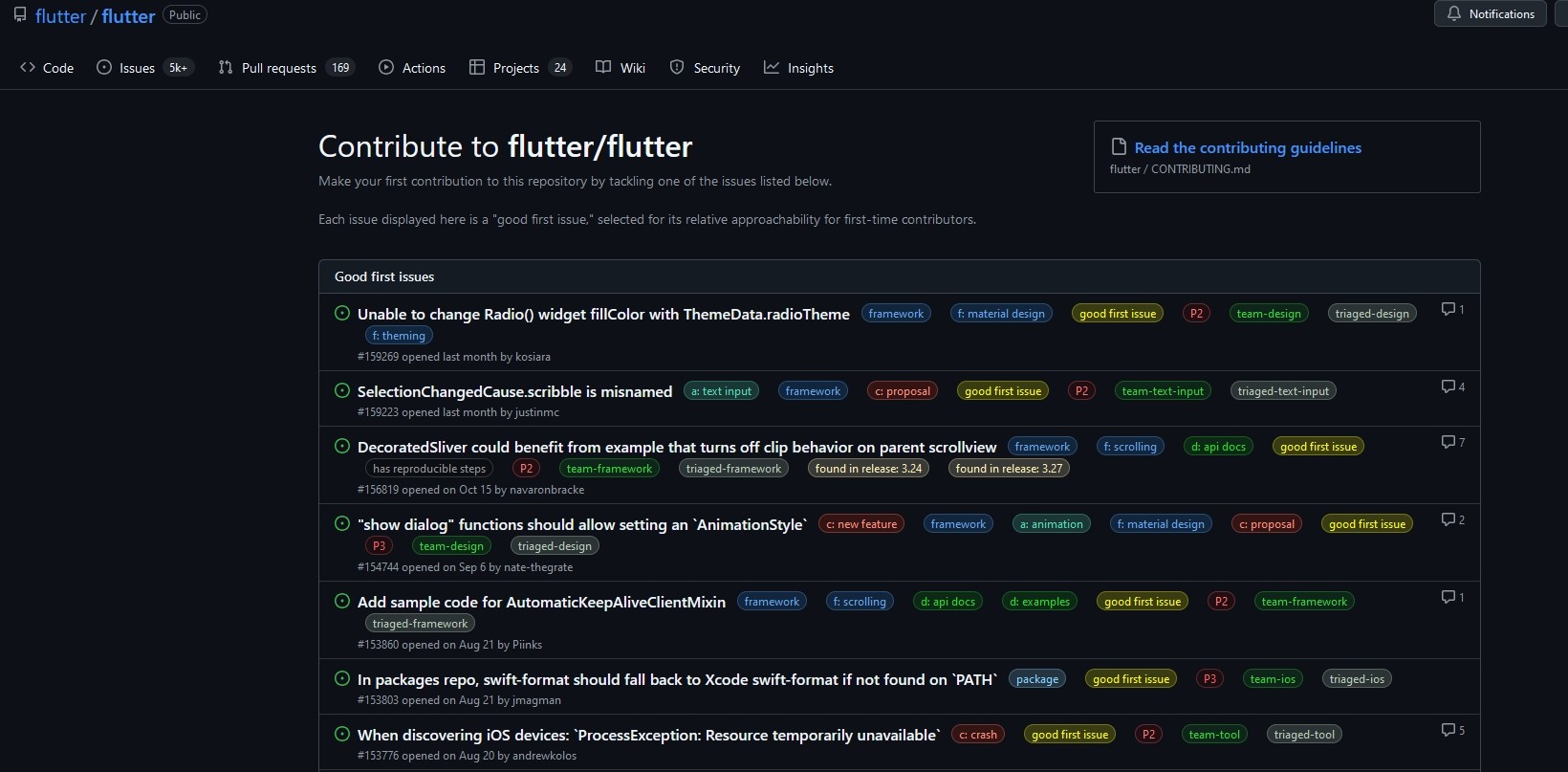
You can choose the issue you feel like working on from this long list.
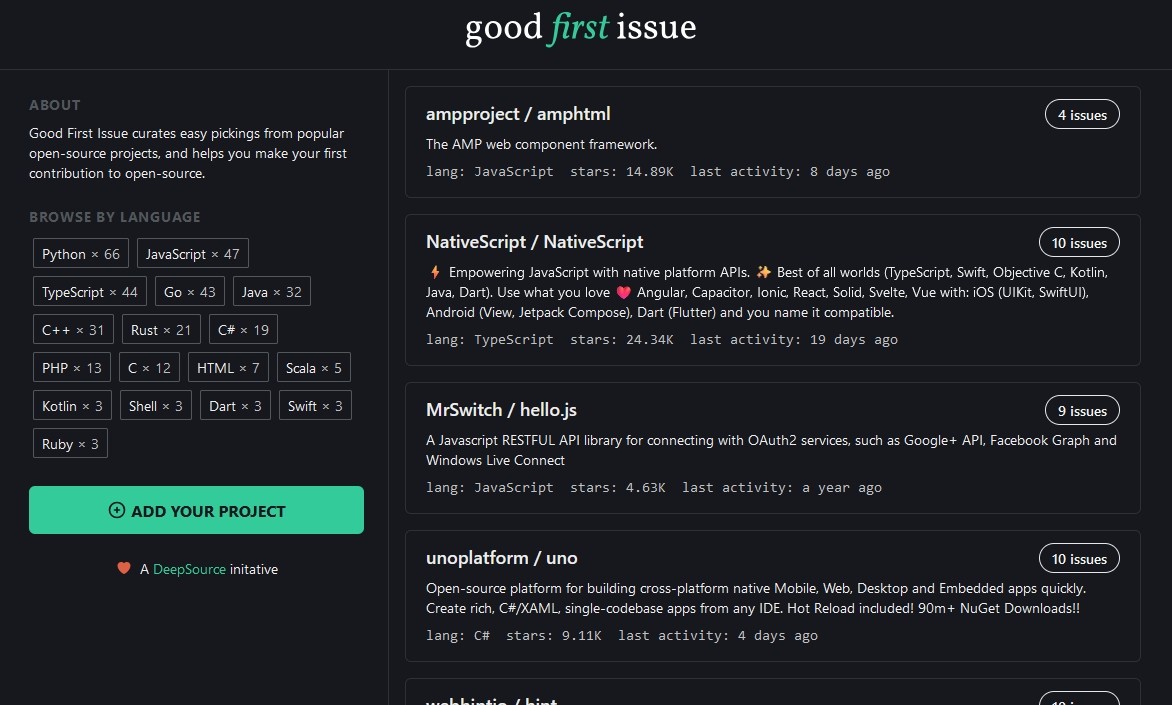
If you're agnostic about the project to work on, you can head to the Good First Issue website which features a list of popular open-source projects that have good first issues.
Let's say you're interested in contributing to the Matplotlib project, a popular Python plotting library. Go to the Issues tab and type in the Label filter "good first issue". When you select that filter value, you will get the following list:
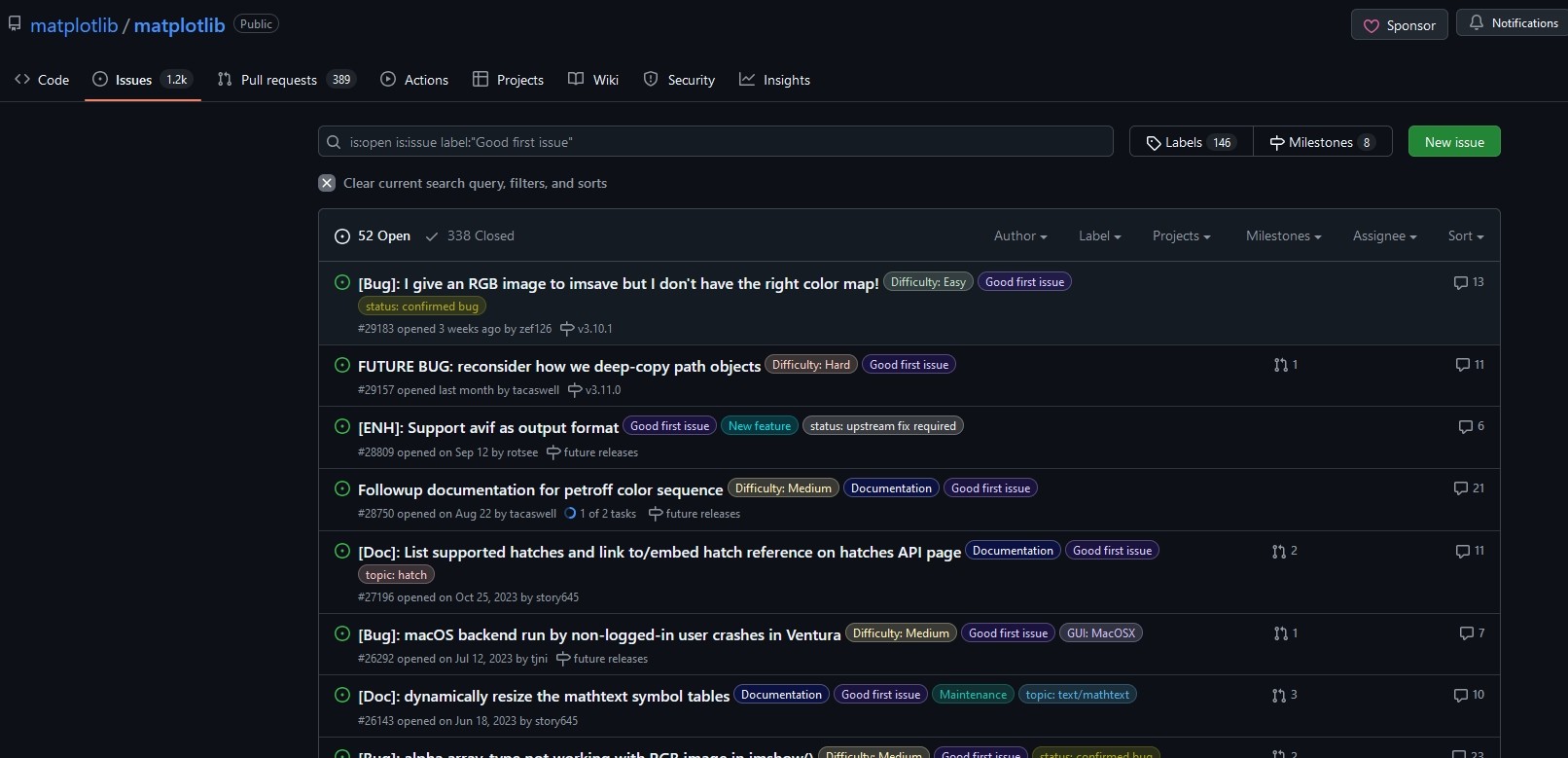
Let's consider the first bug in this list: https://github.com/matplotlib/matplotlib/issues/29183.
It's about the handling for RGB image by the imsave() function. The issue is interesting because it has these 3 labels: "Difficulty: Easy", "good first issue", and "status: confirmed bug".
These are the perfect ingredients to make your first contribution.
The reporting member provided a detailed description about the issue. A nice and helpful bot has also added notes for new contributors.
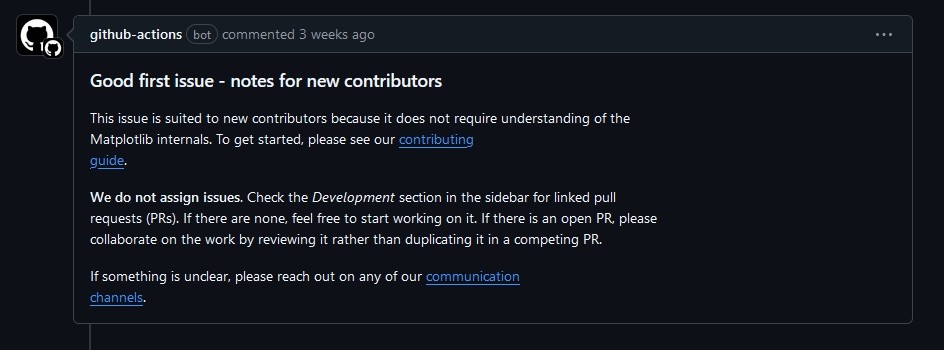
The contributing guide of Matplotlib has a dedicated section for new contributors: https://matplotlib.org/devdocs/devel/contribute.html#new-contributors.
They mention in it monthly meetings for new contributors which I believe is a great community feature.
The Matplotlib community has another great feature: the incubator channel. It's a private channel on Gitter where new contributors can get guidance and support from core Matplotlib developers for their first pull requests.
While each project has its specificities, many share common workflow steps.
To make a contribution, the general workflow is first to fork the project repository and have a copy in your namespace.
Next, clone a copy into your local machine.
You then scratch your head and do your magic to fix the issue.
Once you're sure that your solution fixes the issue (without breaking anything else), commit and push your changes.
At this stage, you need to create a Pull Request (PR) to alert the repo maintainers that you've got a contribution to the project.
Once reviewed and approved, they will merge your changes into the main code.
freeCodeCamp has a clear and step-by-step guide for this process.
You're now familiar with the process of contributing to open-source projects. When are you starting?
Fadi Boulos is the founder of Supportful, a software engineering consulting firm based out of Lebanon. He enables startups in the US and Europe to augment their teams with remote engineers from Lebanon, helping reduce the brain drain in the country and preserve the human capital of its small communities. Fadi has 20 years of experience working in the tech space in the UK, France, and Lebanon, and holds a Ph.D. in Computer Science from the University of Nantes, France.




Book a call and get matched with engineers in 24–72h.